
Publish your Claude site
at a link people remember
Claude makes the page, Sitelink puts it online. Pick a name, ask Claude, and it's live in seconds. No hosting account, no domain to buy.
Free for 30 days, no card needed.
Watch a Claude page go live
From a request in Claude to a published page, then an edit that goes live too.

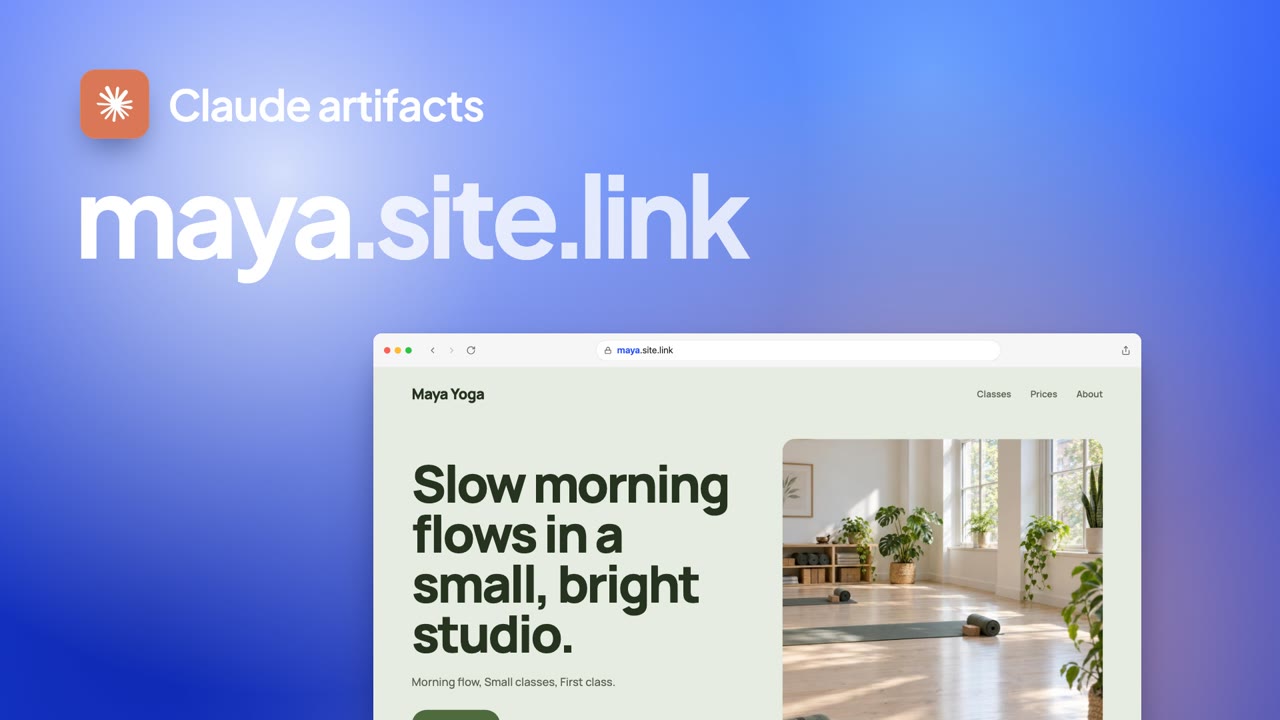
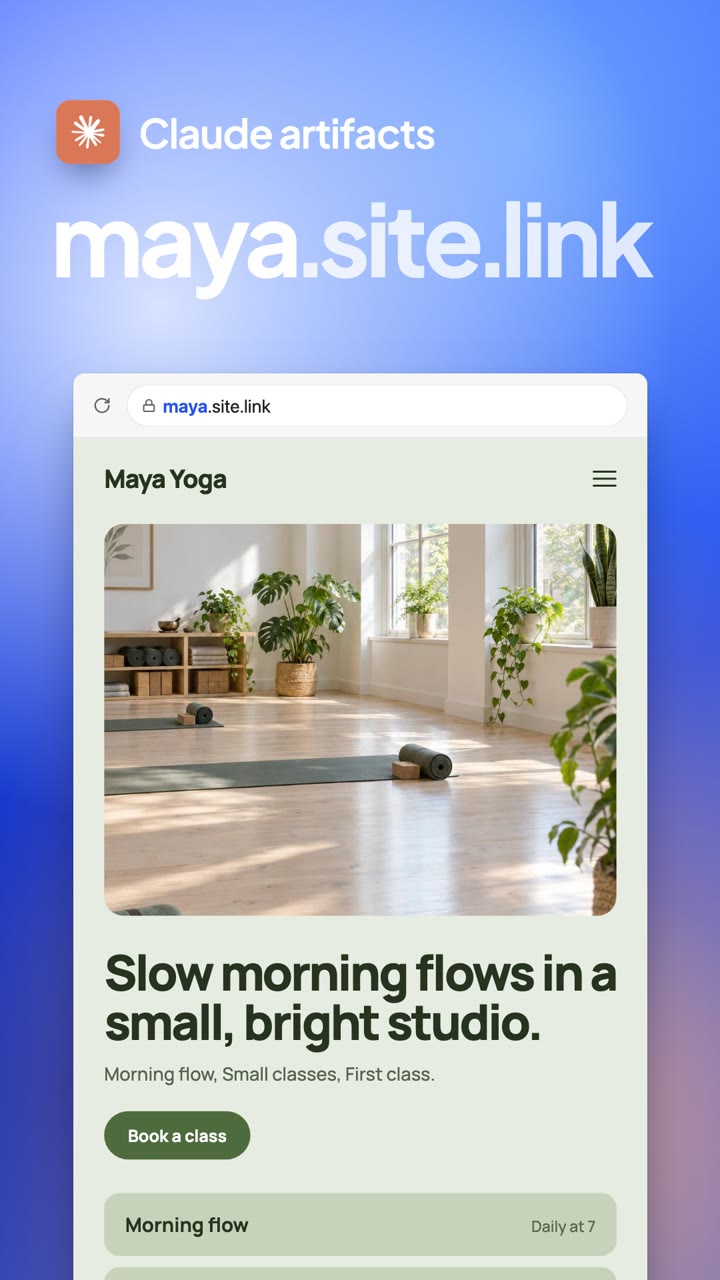
Ask in chat
Ask Claude to publish it
In the chat where Claude made your page, ask for the address. Sitelink reserves the name and hosts the page, with HTTPS, in seconds.
- 3.8x
- Cleaner URLs
- 72%
- Time saved
Set up once
Add Sitelink to Claude
Paste one address into Claude, sign in, and ask. It takes about a minute.
- 90%
- Less manual tasks
- 2x
- Faster launches
Give this to your agent now
Get a clean site link using https://site.link/llms.txtInstall Sitelink MCP in Claude.
Then ask for a custom link in the same chat.
Add the Sitelink connector
In Claude, open Customize, then Connectors. Click Add and choose Add custom connector. Name it Sitelink, paste this address as the MCP server URL, and click Continue until you can click Add.
https://mcp.site.link/mcpSign in to Sitelink
When Claude asks you to sign in, enter your email, type the 6-digit code we send you, and click Allow.
Ask for your address
In the chat with your page, say:
Publish this page at mycafe.site.linkUsing Claude Code
Run
claude mcp add --transport http sitelink https://mcp.site.link/mcponce, then type /mcp and sign in. Claude renames its menus now and then. If a label above doesn't match, look for Connectors in Settings. The Free plan allows one custom connector.Need more detail? See how to add a custom connector to Claude.
Built your site with ChatGPT Sites? Give your ChatGPT Site a custom domain.
Which Claude plans can use it?
On Free, Pro and Max you add Sitelink yourself as a custom connector, and the Free plan allows one. On Team and Enterprise, an owner adds it for the organization first. In Claude Code, one command adds it.
What can Claude publish?
Static sites: a single HTML page, or a folder of HTML, CSS, JavaScript, images and fonts, up to 100 files and 10 MB. Forms are fine, but pages that ask for passwords or card details are refused.
How to host an HTML file onlineDo I need a hosting account?
No. Sitelink hosts the files itself, so there's no DNS to wait for. The page is live with HTTPS in seconds.
How do I update my site?
Ask Claude for the change. It publishes again after every edit in the chat, so your address always shows the latest version.
Does it work with Claude Code?
Yes. Add it with one command, sign in from /mcp, and ask Claude to publish your site's folder. Claude Code zips the built folder and uploads it.
Add Sitelink to Claude CodeCan I take my site offline?
Yes. Ask Claude to unpublish it. The pages stop loading right away, and you keep your name to publish again later.

Your next Claude artifact deserves a better link.
Grab a name in minutes. Share it the same day.